
GMBBy Ranjeet Ahire
Top 5 strategies to set up Google My Business Account to generate more local traffic
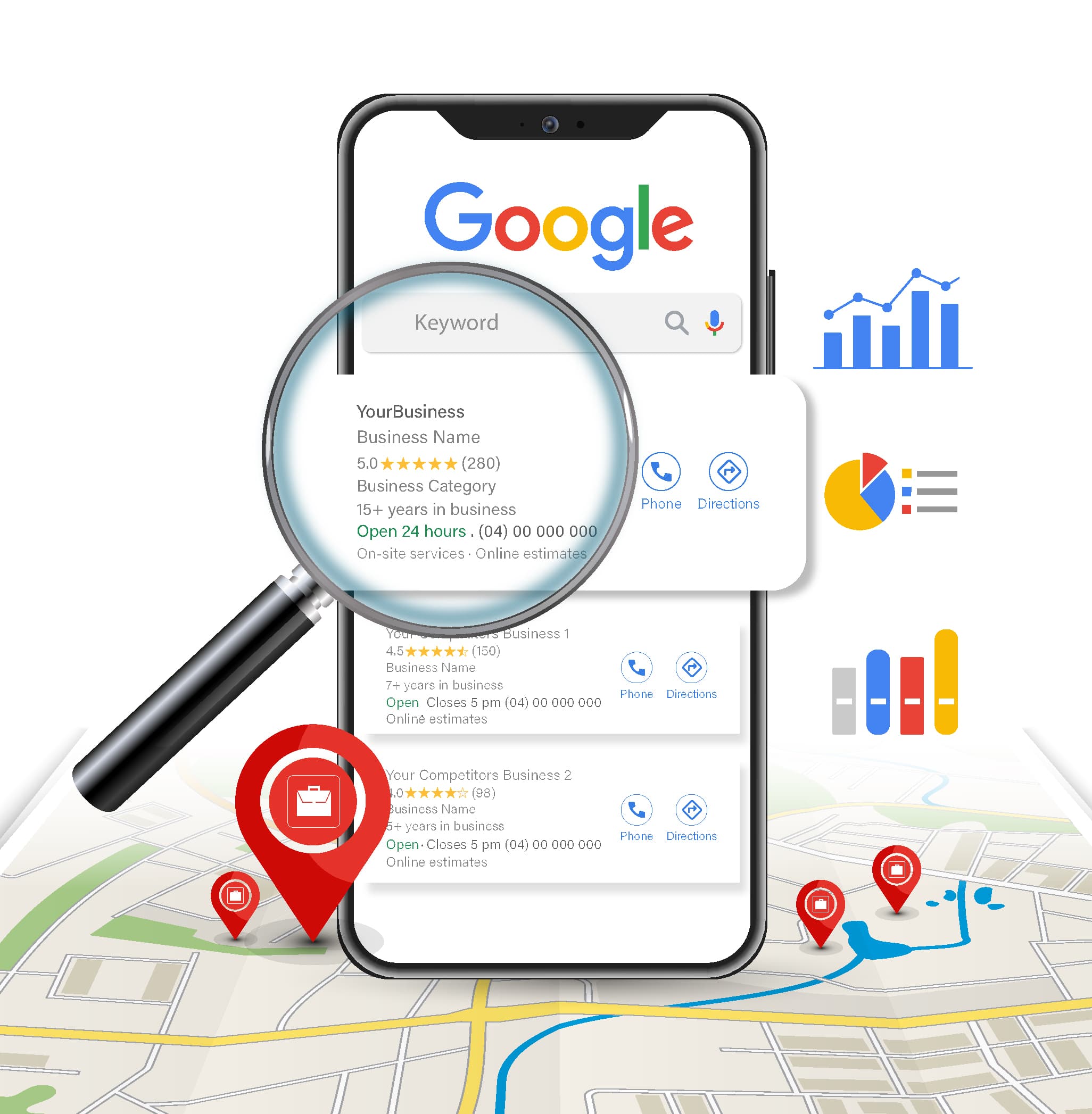
Setting up a Google My Business (GMB) account is a powerful strategy to boost local traffic for your business. Here are the top 5 strategies to optimize your GMB account:
1. Complete and Optimize Your Profile
- Accurate Information: Ensure that all business details such as name, address, phone number (NAP), website URL, and business hours are accurate and consistent across the web.
- Business Categories: Choose the most relevant categories for your business. This helps Google understand what your business is about and shows your listing in relevant local searches.
- Service Areas: Specify the geographical areas you serve to attract customers from those locations.
2. Use High-Quality Photos and Videos
- Business Photos: Upload high-quality images of your business premises, products, and services. Photos significantly improve your listing’s engagement and can influence potential customers’ decisions.
- 360° Virtual Tour: If possible, add a virtual tour of your premises to give customers a feel of your business environment, which can help build trust.
3. Encourage and Respond to Reviews
- Ask for Reviews: Actively request reviews from satisfied customers. Positive reviews are a critical ranking factor for local SEO and can influence new customers.
- Respond Promptly: Engage with both positive and negative reviews. Responding to reviews shows that you value customer feedback and helps build a positive brand image.
4. Utilize Google My Business Posts
- Regular Updates: Use GMB Posts to share news, promotions, events, and updates about your business. Posts can include text, images, and links to drive traffic to specific landing pages.
- Call-to-Action (CTA): Include clear CTAs in your posts, such as “Book Now,” “Call Now,” or “Learn More,” to encourage users to take immediate action.
5. Leverage Q&A Section
- Monitor and Answer Questions: Keep an eye on the Q&A section of your GMB listing. Proactively answer questions that potential customers might have to provide them with quick and accurate information.
- Pre-emptive FAQs: Consider adding frequently asked questions and their answers to this section to address common customer queries upfront.
By implementing these strategies, your GMB account can become a key driver of local traffic, enhancing your visibility and engagement with potential customers in your area. Get Google My Business Account Setup done by best local SEO company